
App to Watch Videos Together
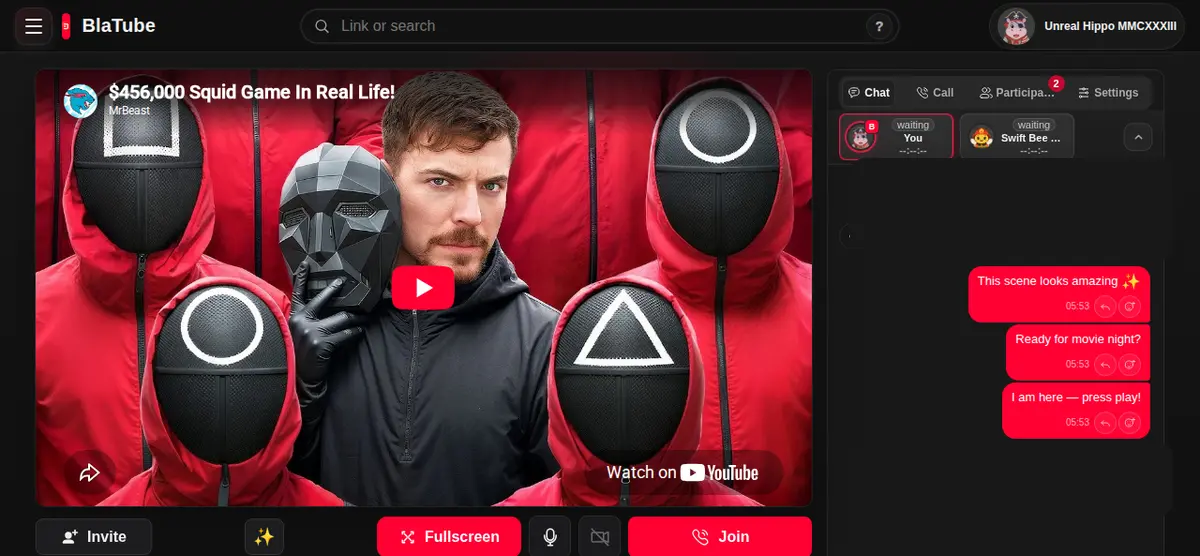
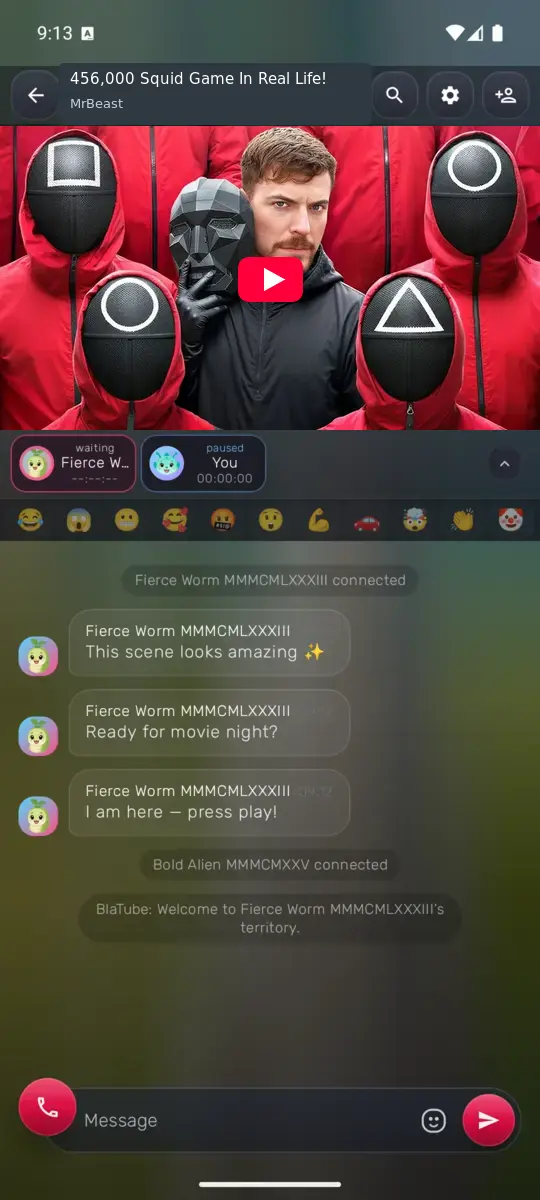
Desktop
Open BlaTube in your browser, create a room, and send the link to your friends.
Android
Open Google Play, install BlaTube, then create or join a room.

iPhone
A native app is not available yet. Open BlaTube in Safari or add the web app to your Home Screen.
How to install the PWA
- Open BlaTube in Safari.
- Tap Share.
- Choose Add to Home Screen.
 YouTube
 Twitch
 Vimeo
Vimeo Dailymotion
 PeerTubeand more
Your whole room fits on your phone
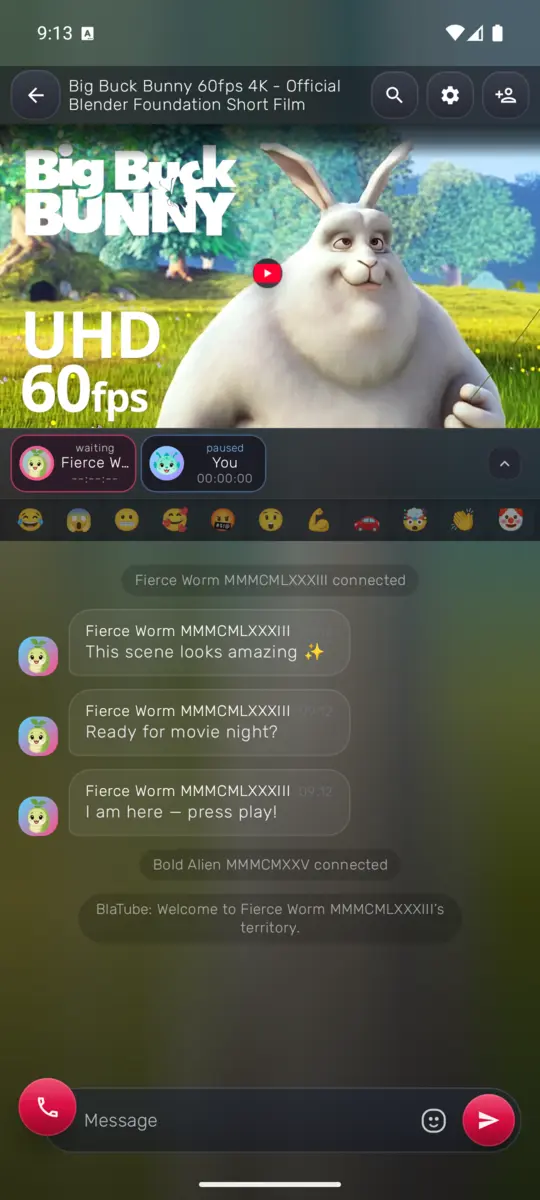
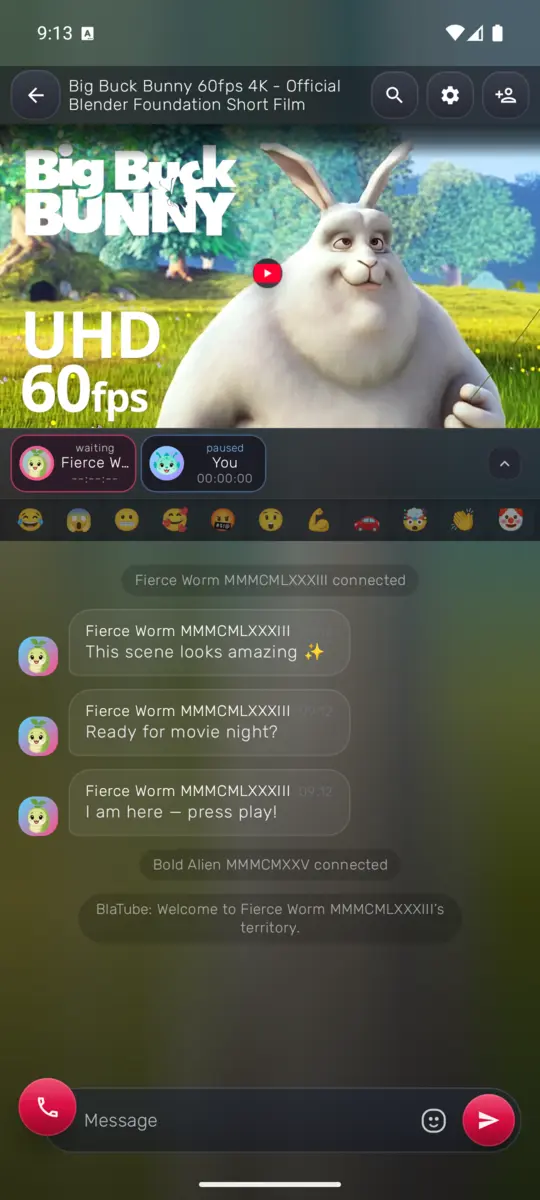
A real Android room with Big Buck Bunny, synchronized playback, and the same three messages.
Join with a link
Create a new room or open an invitation from a friend.
Search or paste a link
Find a video in the app or add a link from a compatible source.
Stay at the same moment
Play, pause, and seeking stay synchronized inside the room.
Invite friends and chat
Share the room link and keep the conversation next to the video.
Full-screen video. Conversation stays close
Ambilight extends the frame colors, messages appear over the video, and chat opens in a transparent panel.


Start watching together
- 1
- 2
Create a room
Add a video or link that every participant can access.
- 3
Invite your friends
Share the room link and watch the same moment together.
Questions about the BlaTube app
Which devices work with BlaTube?
Android has a dedicated app. On desktop, BlaTube works in the browser. On iPhone, you can use the web app (PWA).
Does everyone need the Android app?
No. A friend can open the room link in a browser. Available features depend on the device and the BlaTube version they use.
What stays synchronized in a room?
BlaTube keeps everyone at the same playback moment, including shared play, pause, and seeking.
Can we watch from different devices?
Yes. The same room link opens on Android, desktop, and iPhone. Available features depend on the version used on each device.
Get the app and create your room